
Apeal · Bubble Development · Mobile
Bubble Mobile App Builder: The Practical Guide (Native Builder, Wrappers & PWA)
Clear choices for shipping on iOS/Android with Bubble: decision frameworks, real-world trade-offs, and hands-on notes from recent builds. Soft CTAs included where they help.
Can Bubble Really Build Native Mobile Apps?
Short answer: yes — and there are multiple ways to get there. If you’re new to bubble.io, think of it as a visual development platform with the option to ship mobile experiences that feel at home on iOS and Android. In practice, teams choose among three routes:
- Bubble’s native mobile builder (deeper integration with Bubble’s way of doing things).
- Wrappers (e.g., Natively, BDK, Air Native) that package your Bubble app into store-ready binaries with native features.
- PWA (Progressive Web App) for instant install and no store reviews.
In my projects, the deciding factor is rarely “Can Bubble do it?” It’s “What’s the fastest path to a great user experience given your feature set, timeline, and budget?” Bubble’s native builder has improved, but wrappers and PWA still shine for speed or when specific native features are needed quickly (push, background geolocation, in-app purchases). The good news: whichever route you take, Bubble’s data, workflows, and design system carry over.
Field note: timelines and pricing typically land in the same ballpark as a web build — you still design screens, wire up workflows, and test. The extra overhead lives in store assets, certificates, and device-specific QA.

Two Paths for Your Mobile Strategy
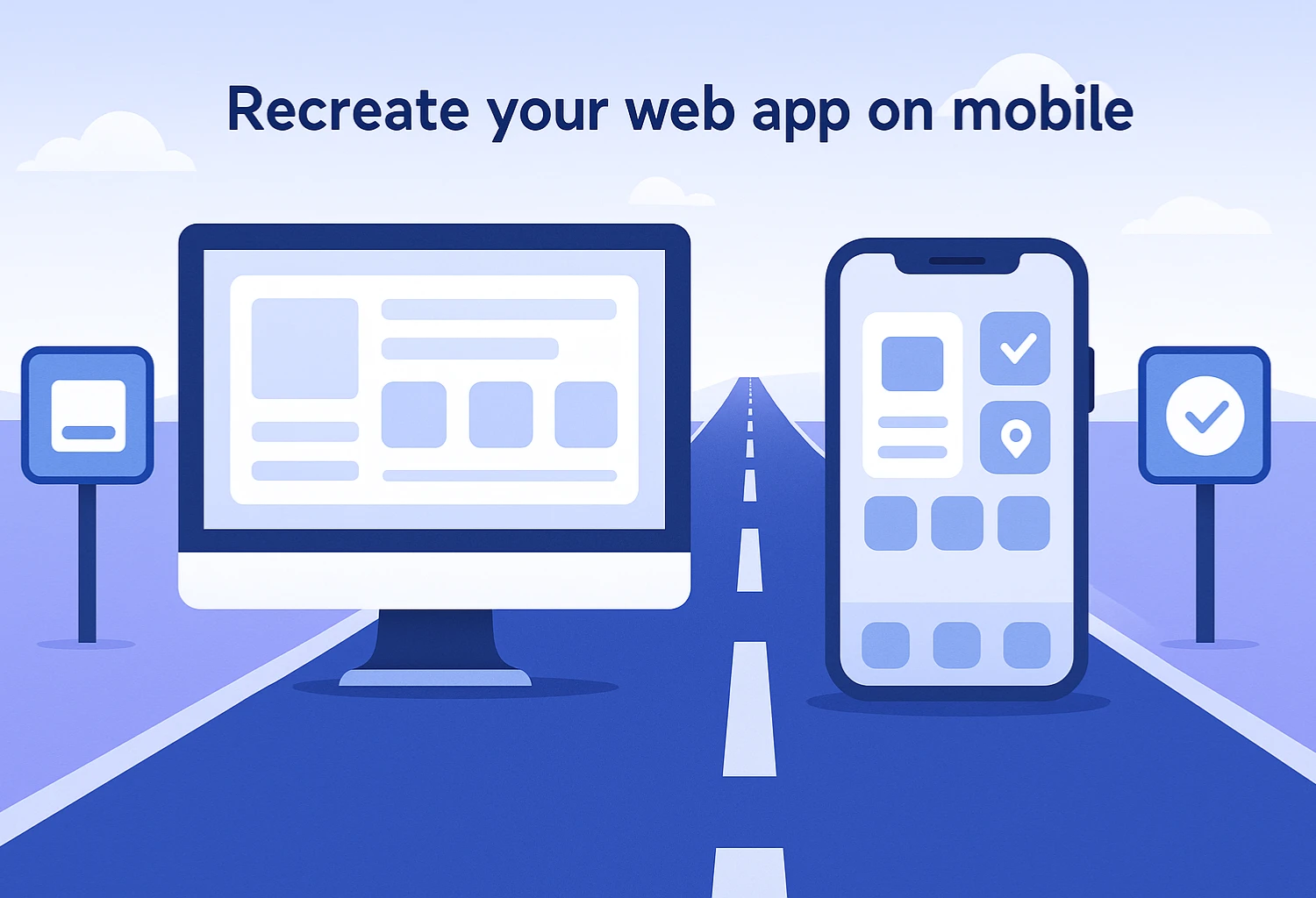
Recreate your web app on mobile (when “same features” is the win)
If your goal is parity — same features, same roles, same logic — a “recreate” strategy keeps mental overhead low. Use this when stakeholders expect identical capabilities across devices. Invest in mobile-first navigation (tab bars, larger tap targets), but keep the feature grid unchanged.
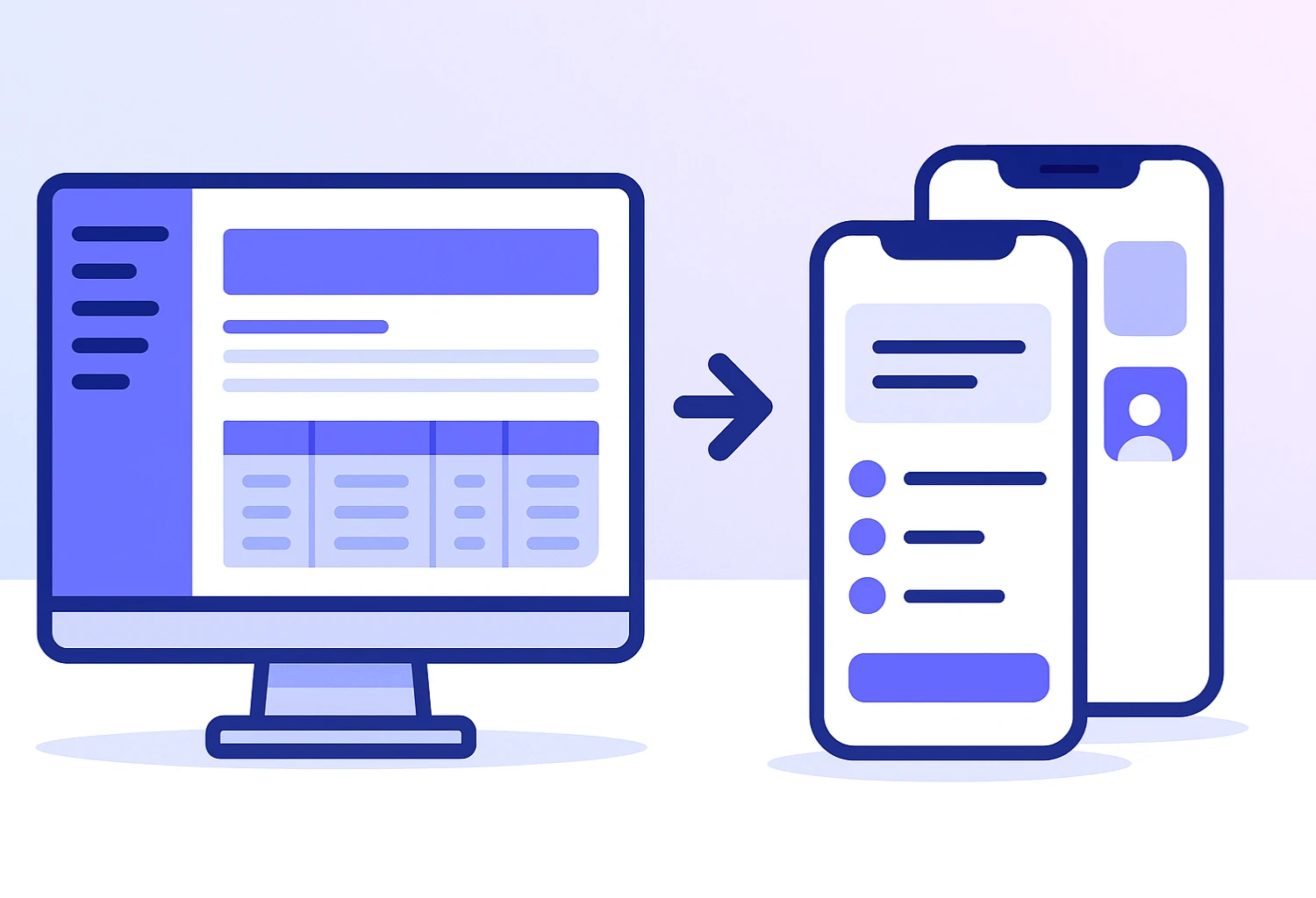
From experience: when the desktop product already has strong UX and the mobile audience mirrors it, recreating reduces scope creep and keeps estimates predictable. You can reuse pages and elements inside Bubble’s mobile app builder.
Build a complementary mobile app (client-facing, admin stays on web)
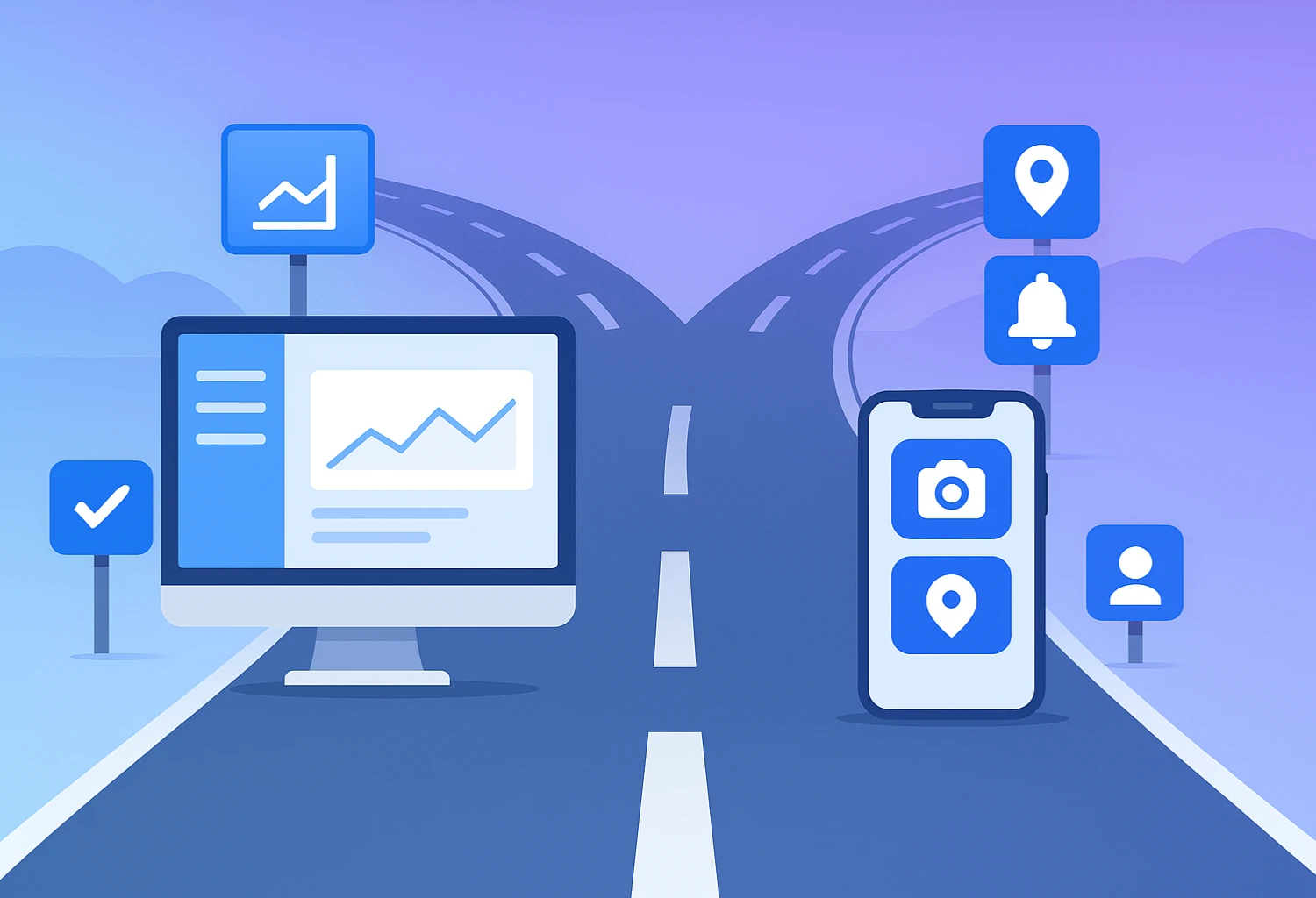
Choose a complementary strategy when roles diverge. Keep back-office/admin on web; ship a focused mobile app for customers. Great for quick, frequent, context-rich usage (camera, location, notifications).
In my projects, complementary wins whenever mobile usage is quick and frequent while heavy lifting stays on desktop.
Three Ways to Ship a Bubble Mobile App
Bubble’s Native Mobile Builder — when to choose it
Get the most Bubble-centric workflow with cohesive navigation and reusable components. As Bubble adds native capabilities, you benefit without maintaining extra bridges.
Best for: teams already deep in Bubble, parity projects (same features as web), and steady long-term evolution.
Watch-outs: native APIs depend on Bubble’s current roadmap—confirm support for things like push, IAP, and offline before committing.
Wrappers (Natively, BDK, Air Native) — features, speed, trade-offs
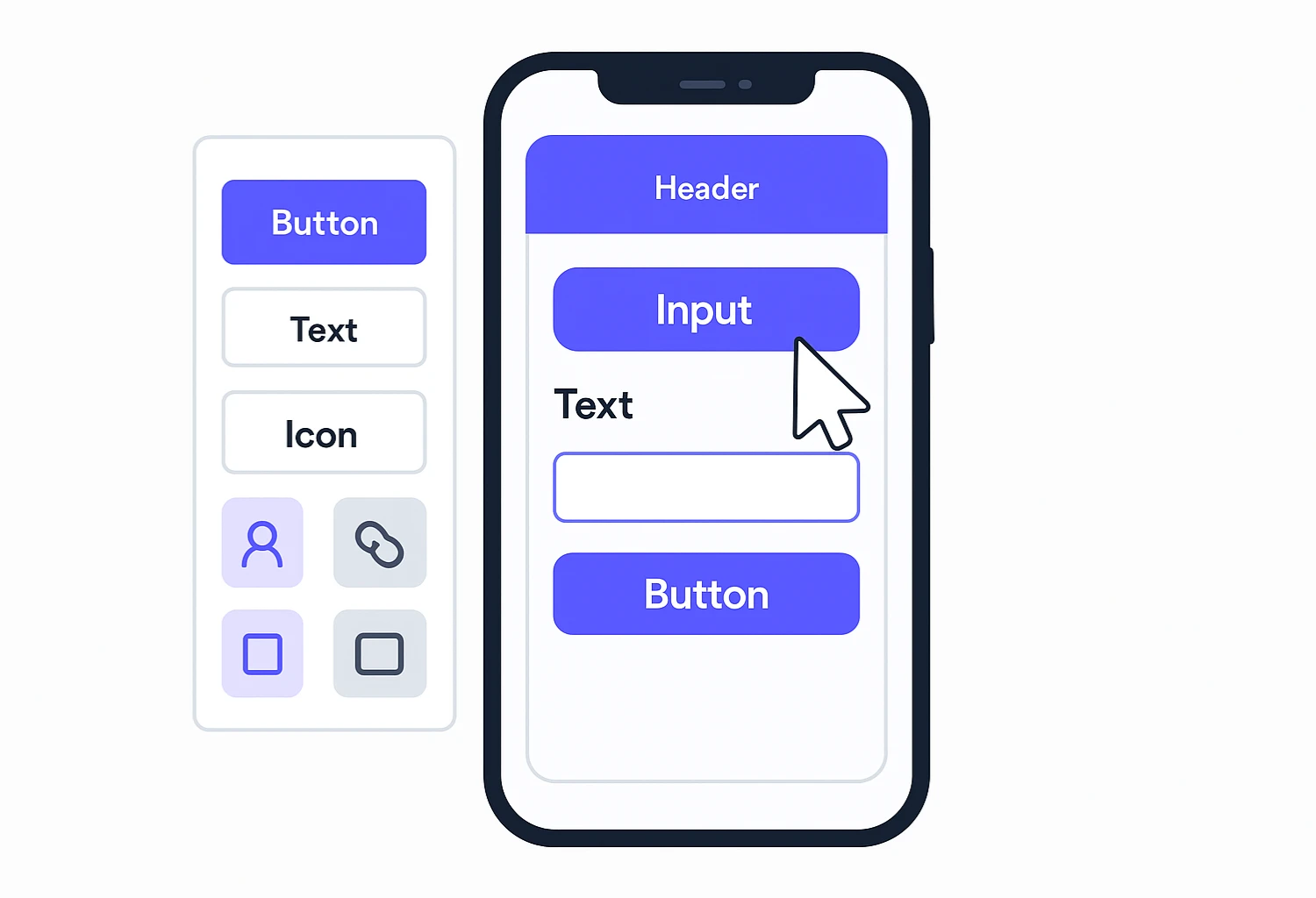
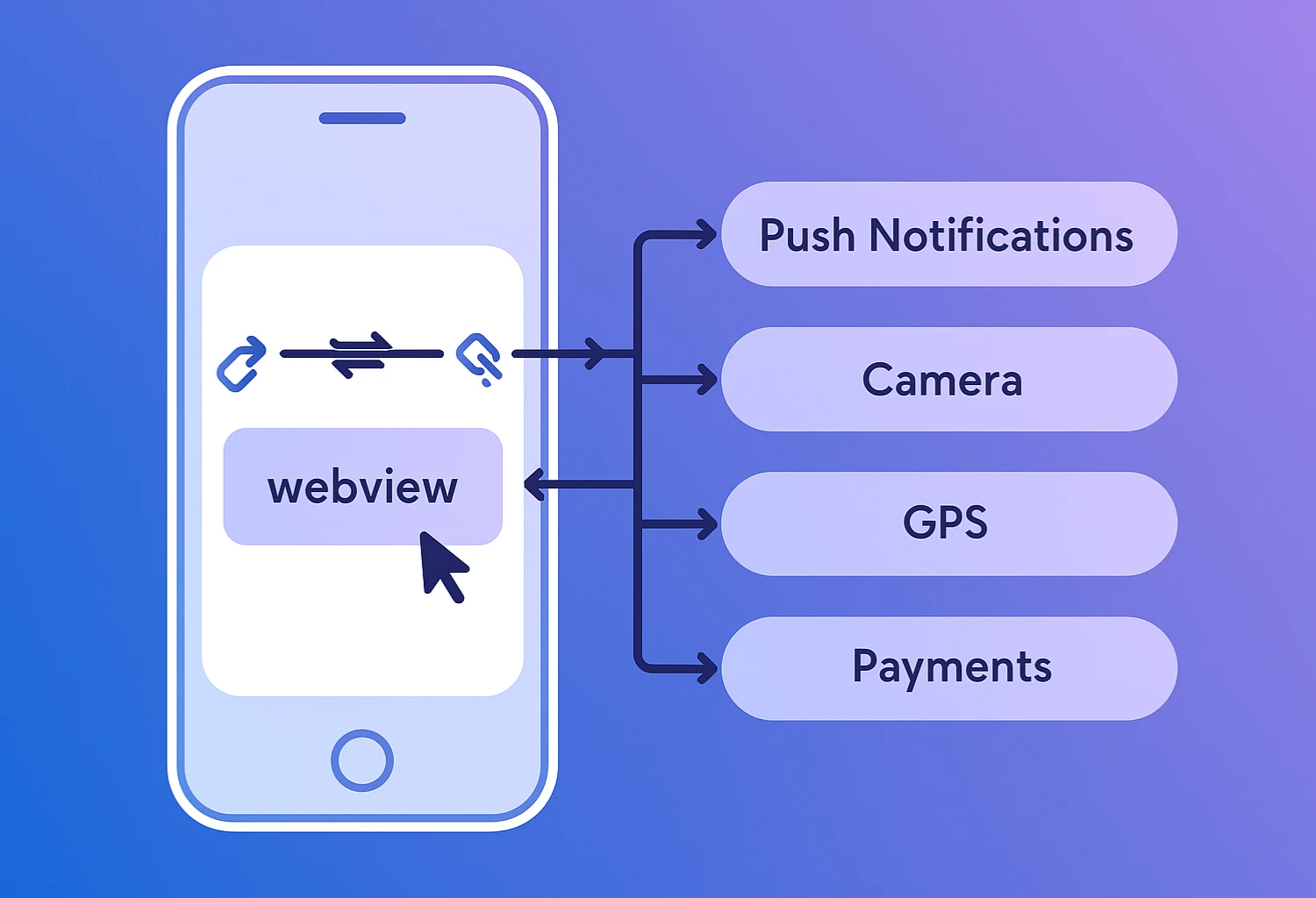
Ship to the App Store/Play fast by wrapping your Bubble app in a webview plus native bridges (push notifications, IAP, deep links, file pickers, etc.). Keep your Bubble build while adding device features via plugins/SDKs.
Best for: you need store presence now, push/IAP/universal links, and a moderate set of native features with minimal rebuild.
Watch-outs: Apple may reject apps that feel like “just a website”; performance remains web-based and long-running background tasks are limited.
PWA with Bubble — instant install, no stores
Install to home screen, cache for offline to a degree, get instant updates, shareable URLs, and skip store reviews/fees. Perfect for fast rollouts and SEO/links.
Best for: rapid pilots, B2B/internal apps, content-heavy products.
Watch-outs: iOS push works only for added-to-home-screen PWAs and with limits; no native IAP or store discovery, and background capabilities are constrained.
Native Features & Limits (What You Get in Practice)
What’s solid
- Auth, camera & media upload, QR/barcode
- Deep links/universal links
- Push notifications (via wrappers/plugins)
- In-app purchases (wrapper support)
- Device sensors; smooth tab/modals navigation
What needs forethought
- Advanced gesture-heavy UIs (custom drag/physics)
- Robust offline-first data sync
- Intricate background services
Reality check: when something is tricky in the mobile builder, reuse web pages/elements as an interim step while iterating toward a more native feel.

Reusing Your Bubble Web Pages (Fast Workarounds)
- Split complex pages into focused mobile screens (one primary action each).
- Keep heavy admin tables on web; expose light read-only mobile views.
- Start with shared elements, then enhance (gestures, native share sheets).
Timelines, Pricing & Publishing
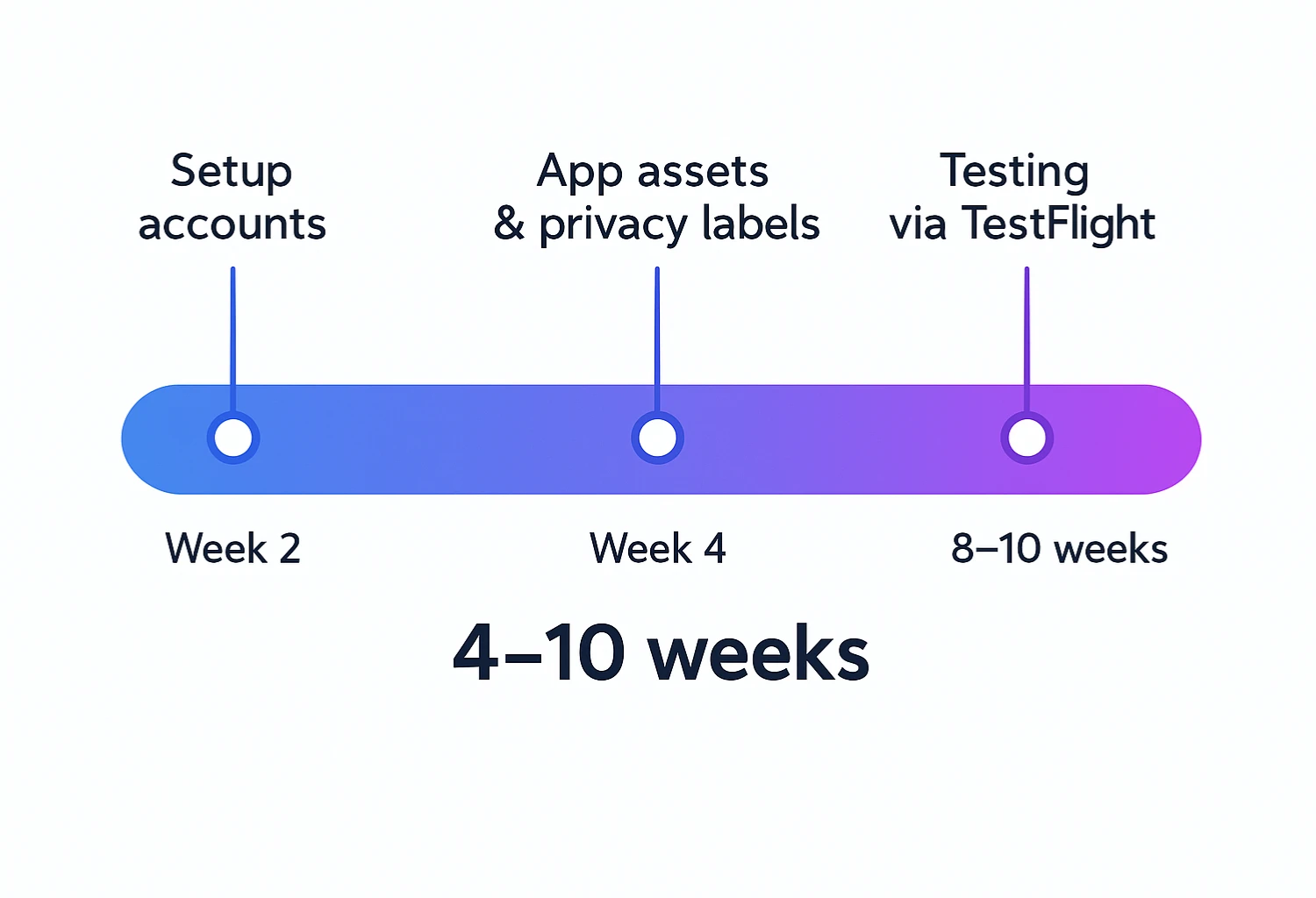
Rule of thumb: plan roughly the same window as a web build, plus a buffer for store assets, certificates/profiles, and review cycles.
Publishing checklist (condensed)
- Apple/Google developer accounts and app identifiers
- App icons, splash screens, and platform guidelines
- Privacy labels and permissions text (camera, location, notifications)
- Deep links/universal links, URL schemes
- TestFlight / internal testing tracks
- Review notes (explain login, payment, content policies)
Need a hand? You can hire bubble developer support for certificates and store submissions.
Comparison: Native Builder vs Wrapper vs PWA
| Dimension | Bubble Native Builder | Wrapper (Natively, BDK, Air Native) | PWA |
|---|---|---|---|
| Time-to-market | Fast if you’re already in Bubble | Fast to stores Often fastest to stores | Fastest No stores required |
| Store publishing | Yes | Yes | No (web distribution) |
| Push notifications | Supported (plugins/config) | Strong Strong support | Android only (limitations) |
| In-app purchases | Possible (setup required) | Strong Strong support | Not supported natively |
| Offline | Basic caching; plan carefully | Similar (webview + bridges) | Limited; scope-dependent |
| Reuse existing pages | Excellent | Excellent | Excellent |
| Gesture-heavy UX | Custom work required | Careful design | Web-level gestures |
| Deep / universal links | Supported | Supported | Supported (to PWA URLs) |
| Maintenance | Centralized in Bubble | Bubble + wrapper updates | Centralized in Bubble |
| Best fit | Parity & long-term roadmap | Speed + native features | Pilots, internal tools, frictionless install |
Decision Tree: Which Path Should You Pick?
Need App Store/Play ASAP
Start with a wrapper.
Deep in Bubble; cohesive UX
Go native builder.
Pilot/internal rollout
Ship a PWA first.
Strong offline + gestures
Validate scope carefully; consider Bubble + native bridges or specialized stack.
Admin on desktop, clients on phones
Build a complementary mobile app; keep admin web-only.
SaaS expanding to mobile
Decide parity vs complementary; see our bubble saas development patterns.
When Bubble Is the Right Choice for Mobile
- Iteration speed and a single source of truth
- Web-to-mobile reuse (shared components, logic)
- Needed native features covered by bridges (push, links, camera, IAP)
Proceed carefully when
- Core UX is offline-first with conflict resolution
- Bespoke system-level gestures or custom rendering
- 3D/graphics-heavy experiences
Practitioner tip: unsure? Ship a PWA or wrapped MVP, measure engagement, then deepen native integrations where data proves value.
FAQs: Bubble Mobile App Builder
Is Bubble good for mobile-first apps?
Yes — especially if your feature set lines up with available native bridges. Many teams start wrapped, then harden flows in the native builder.
How do I choose between parity and complementary?
If stakeholders need everything on mobile, go parity. If customer journeys differ (most do), go complementary and keep admin on web.
What about performance and offline?
Design drives performance: paginate, cache intentionally, avoid over-fetching. Clarify read-only vs full offline transactions.
Can you help me staff the project?
Absolutely — whether a bubble io freelancer for a sprint or to hire bubble agency support end-to-end. You can also hire bubble developer on demand.
Need Help? Book a Discovery Call with Apeal
If you’re planning a Bubble mobile app — parity or complementary — we’ll help you scope, pick the right route, and handle publishing. We’re a Bubble-first team.
Conclusion
The bubble mobile app builder gives flexible ways to deliver high-quality mobile experiences: go native for cohesion, wrap for speed, or PWA for frictionless distribution. Choose recreate when parity keeps life simple; choose complementary when customers and admins have different needs. Reuse web components, plan native features early, and treat app-store steps as part of your normal timeline. When you need extra hands, Apeal is ready.